
Hubbub Pro 2.29.0 or above and Pro+ tier license required.
Hubbub’s Save This feature can show Kit’s Creator Network Recommendations modal after a reader successfully fills out the Save This form on your website.
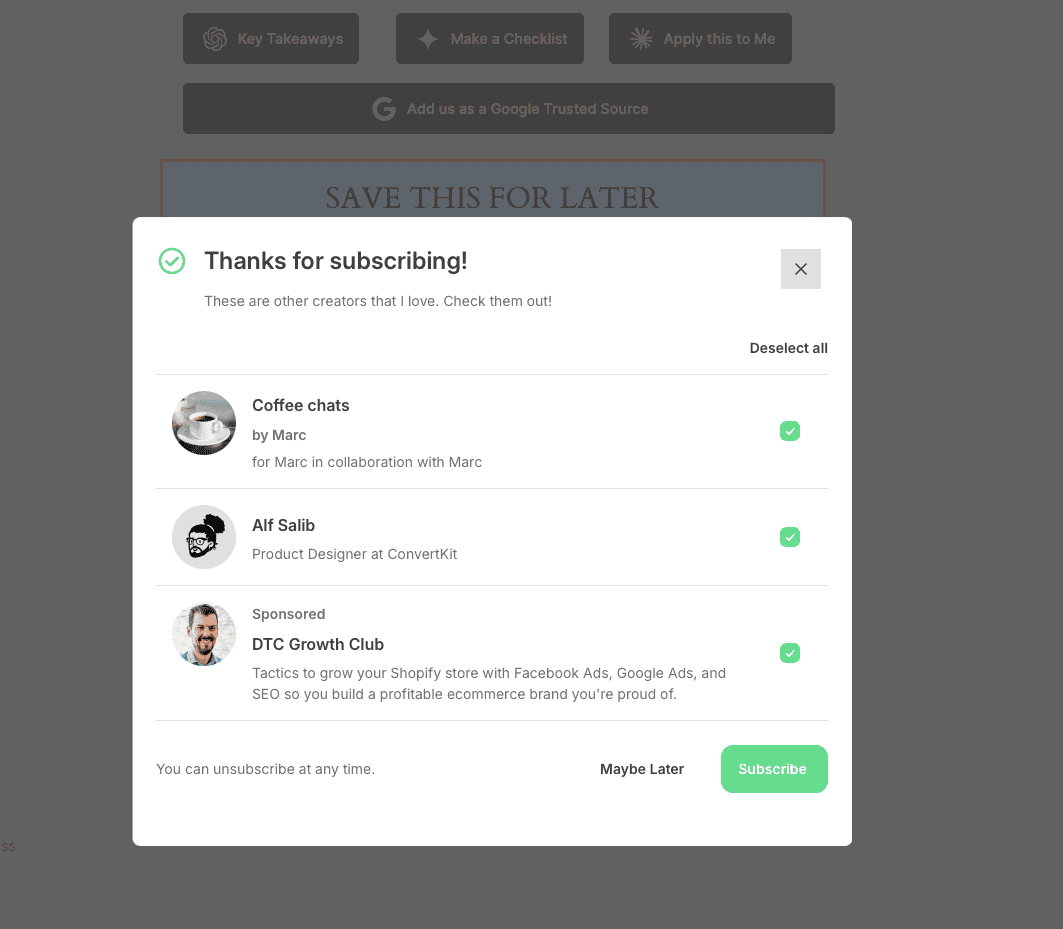
How to set it up #
- Go to Hubbub > Save This > Connection.
- Select Kit as your service.
- Paste your Kit Recommendations Script URL. To find this, log into your Kit account, go to the Creator Network page, in the Recommendations tab, click “edit button” and find the JS snippet. You only need the .js URL not the entire snippet.
- Save changes.
Double-check that script URL #
The script URL must:
- Be a valid
httporhttpsURL - Be hosted on
kit.com(or a*.kit.comsubdomain) - End in
.js
Do not paste the full <script> tag. Paste only the script URL.