
Using the following steps, you can add the default set of Action Buttons, or your own custom set, to your recipe card.
💡To create a new custom set (that is separate from the default set) see How to create a custom set of Action Buttons.
First, you’ll need the post ID of the pattern for your custom set of Action Buttons.
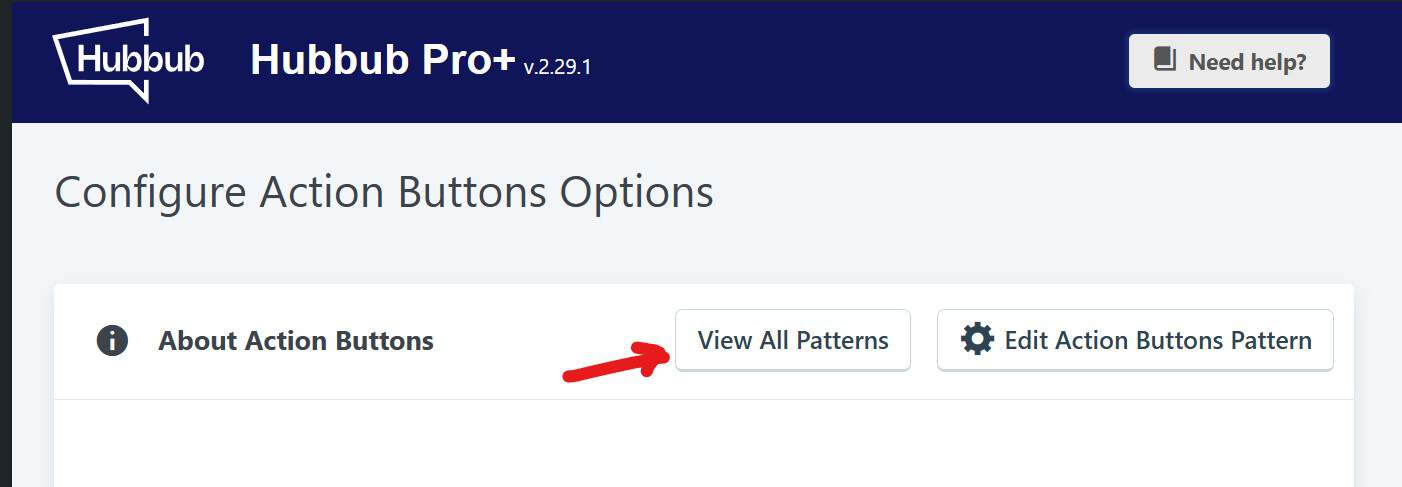
To find this ID, log into your WordPress Admin, go to Hubbub > Action Buttons and click on “View All Patterns”.
Find the pattern (or custom set) that you want to include.
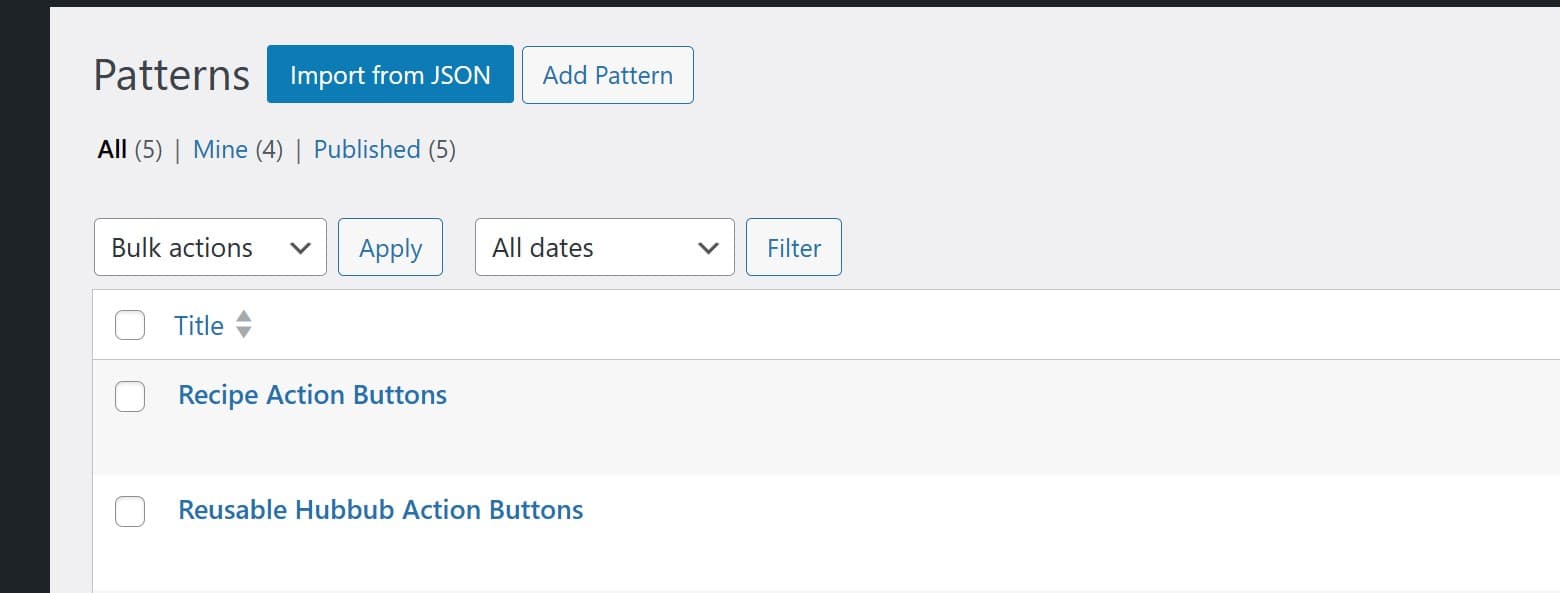
In the URL for that pattern is its ID. It looks like post=NUMBER. Copy that.

Second, you’ll need to edit your recipe template and include our Action Buttons shortcode.
How you do this will depend on which Recipe Plugin you use. For WP Recipe Maker, we recommend using the “Edit HTML” feature in the Template Editor.
Place the shortcode where you would like them to appear, replacing “NUMBER” with your pattern’s post ID.
